Free
$0
- 2 dynamic codes
- 500 scans / month
- 7-day scan history
MakeQRArt makes dynamic QR codes: the square on your print never changes, the destination stays yours to edit. Track every scan by city, device, and hour. Generate AI art codes that are machine-validated to scan before you download.
unlimited static codes · 2 dynamic codes free · no card required
points at makeqr.art — scan it
MENU
makeqr.art/r/mNu7Tav
Destination
bistro.example/menu-summer
bistro.example/menu-autumn
Saved — the printed code didn’t move.
Illustration. The example code encodes a real short link on our own host, but has no destination attached — scanning it opens our “this code isn’t connected yet” page.
Six module shapes, seven eye styles, solid or gradient fills, logo embedding with an automatic error-correction bump, and print frames with your call to action. Everything below is the same engine your exports use.
Classic ink
square modules, press-black
Honey stamp
rounded modules, amber eyes
Cobalt riso
classy modules, two-blue ramp
Dot matrix
circular modules, tight grid
Ember ramp
linear gradient, umber to rust
Describe a scene, and the model paints it over your code’s module grid — then a machine decodes the result before it reaches you, so a code that doesn’t scan never costs a credit.
Real output of the image model behind the AI studio, made on 15 October 2026 from the prompt under each image and its style preset. These eight were selected from 22 generations, and two of them needed a second attempt at stronger conditioning. Every image encodes https://makeqr.art and was decoded by machine at 384 px and 256 px before we published it.
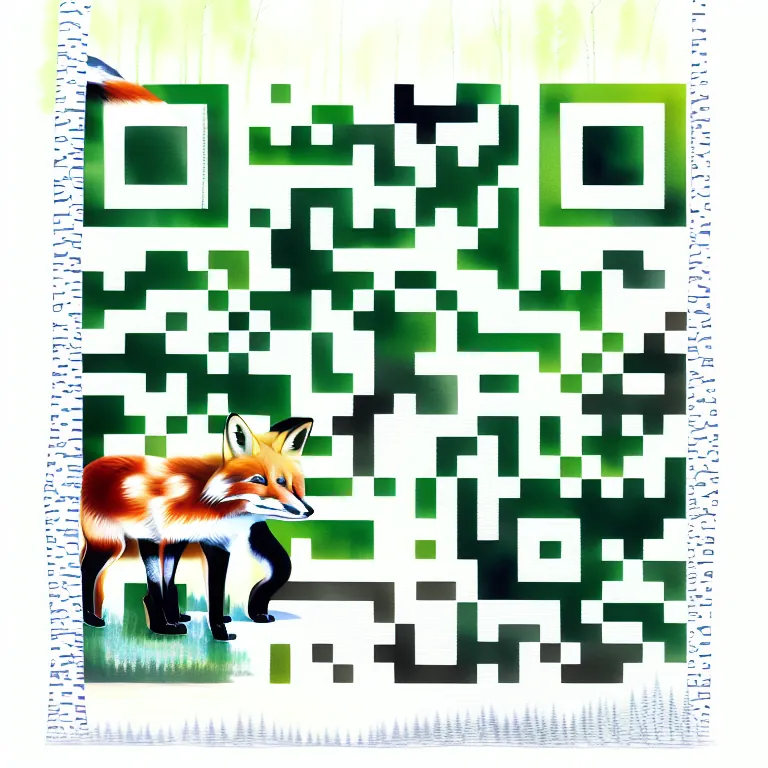
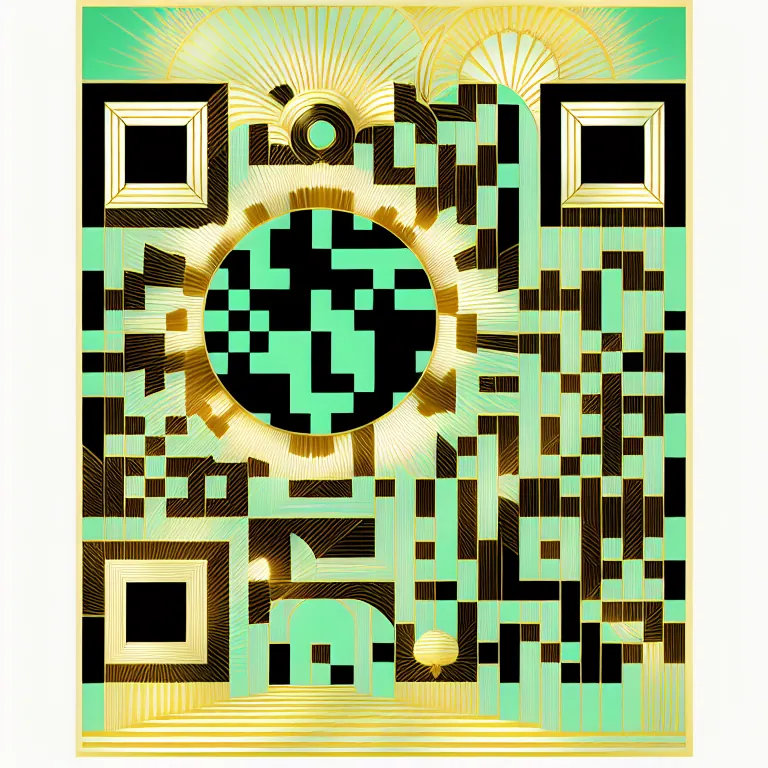
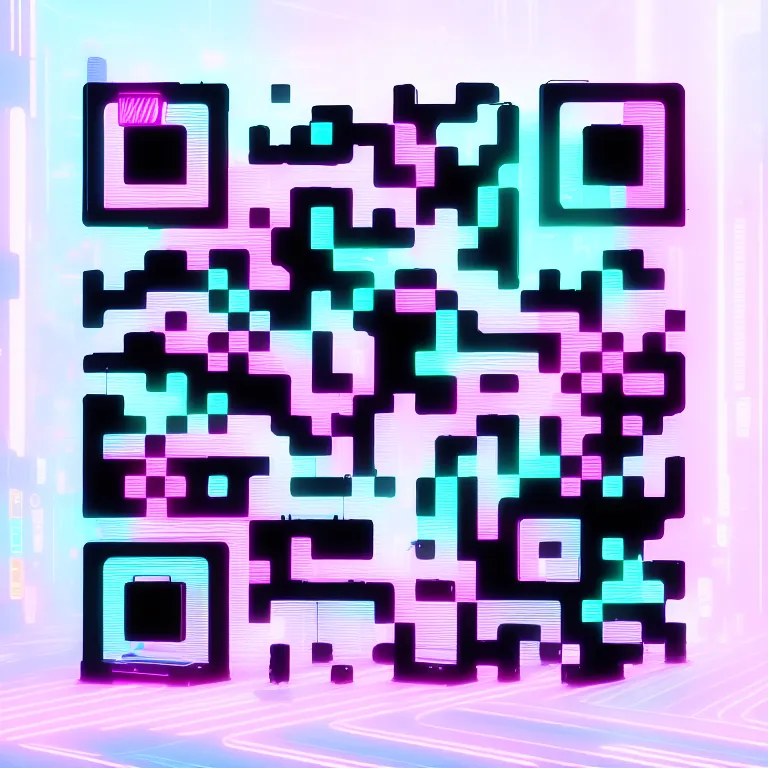
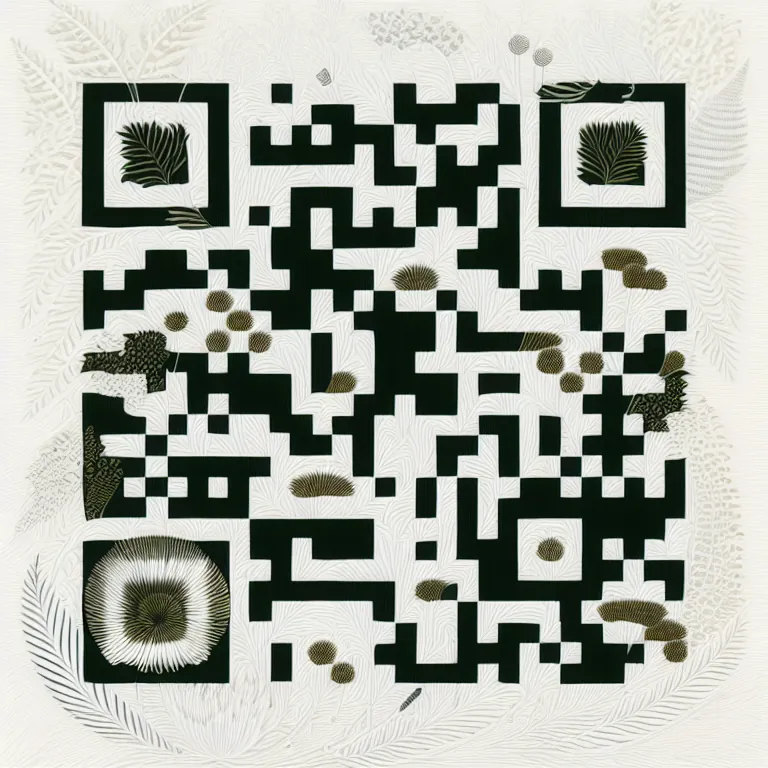
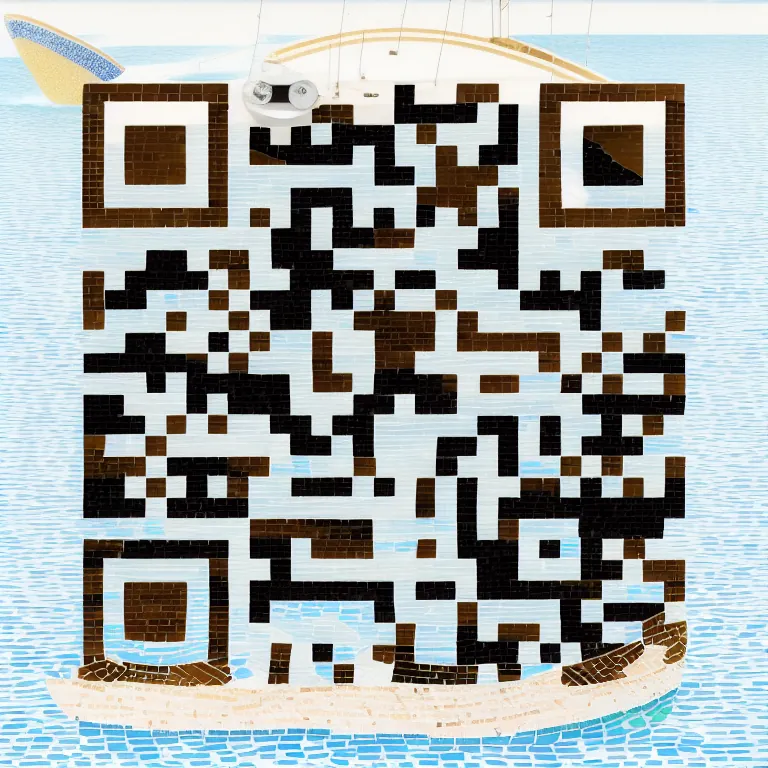
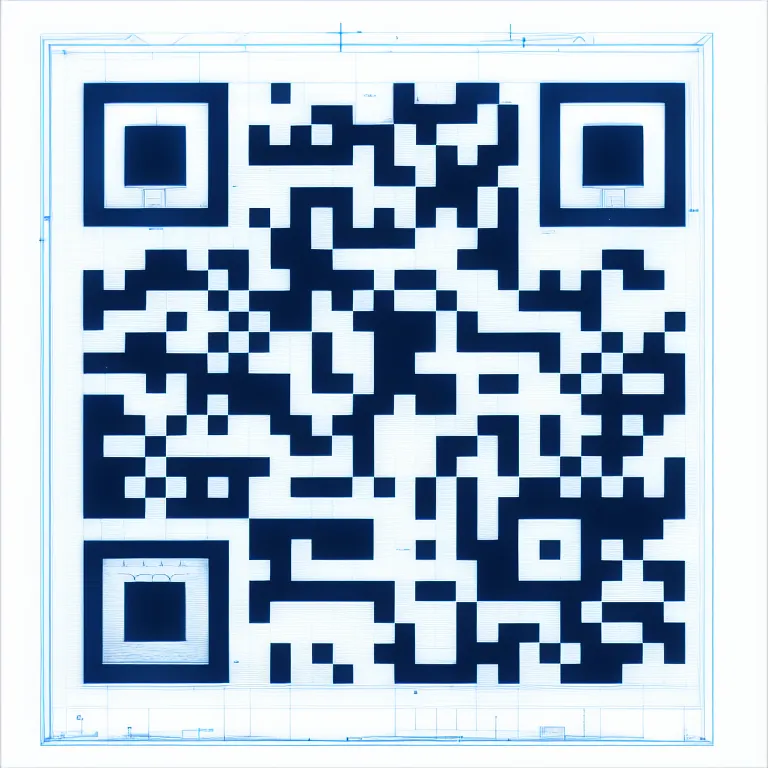
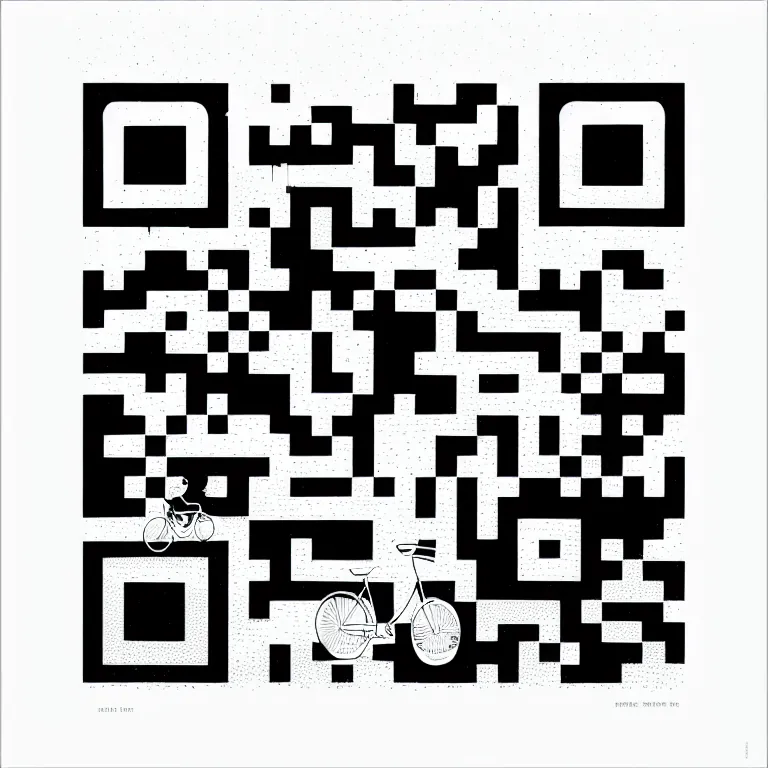
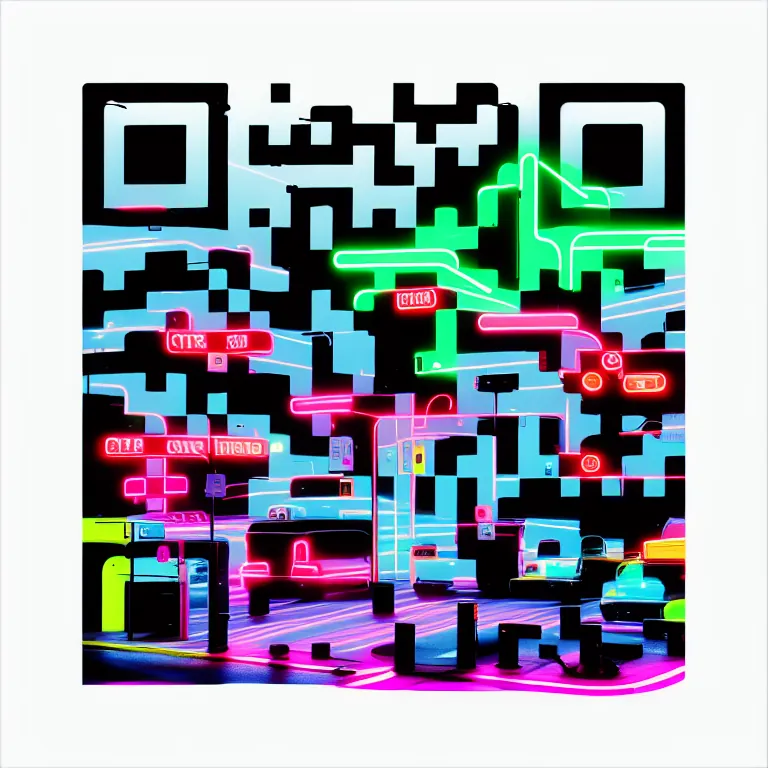
Every scan on a dynamic code is counted with country, city, device, OS, and hour of the week — plus unique-versus-repeat, so 500 scans from one bored teenager read differently than 500 customers. Export it all as CSV.
geo → device → hour heatmap → unique scans
2,412 scans 1,308 unique
mobile 78% · desktop 17% · tablet 5% · peak Sat 12–14 h
$0
$9/mo
$19/mo
A static code bakes your content into the pattern itself — it works forever and can never be changed. A dynamic code encodes a short link we host (makeqr.art/r/xxxxxxx) that redirects to your destination, so you can change where it points after printing and see analytics for every scan.
Static codes never expire — there is no server involved. If you cancel a paid plan, dynamic codes beyond the free plan's limit pause: scanners see a clear notice page instead of your destination. Nothing is deleted, and reactivating restores them exactly as they were.
On the free plan, PNG exports carry a small MakeQRArt badge in the frame footer — the code pattern itself is never touched. Every paid plan exports clean, in PNG up to 4096 px, plus SVG on Starter and PDF and EPS on Pro and Business.
Nothing dramatic. Up to 120% of your monthly quota, scans keep redirecting while the dashboard warns you. Past 120%, scanners see a temporary pause page until the month resets or you upgrade. The numbers are printed on the pricing page — no surprises.
One generation costs one credit. If a generation fails or scores low on scan reliability, the credit is refunded automatically and regeneration is free. You get 3 credits at signup; Starter, Pro, and Business add 10, 40, and 150 per month, and top-up packs are available.
PNG on every plan (1024 px free, 4096 px paid), SVG from Starter, and true-vector PDF and EPS from Pro — generated from the exact module geometry, ready for a press run.
Design a code tonight, print it tomorrow, change your mind next quarter. The square stays; the destination is yours.